![GBB_Horizontal_Eco_Light.png]](https://support.greenbusinessbenchmark.com/hs-fs/hubfs/GBB_Horizontal_Eco_Light.png?height=40&name=GBB_Horizontal_Eco_Light.png)
Follow these steps to add your organization's story and mission statement to your public profile.
- Click on "Public Profile" in the left navigation menu.
- Click the Edit Profile button to add your organization's mission statement. This can be your mission as it relates to sustainability to illustrate your commitment.
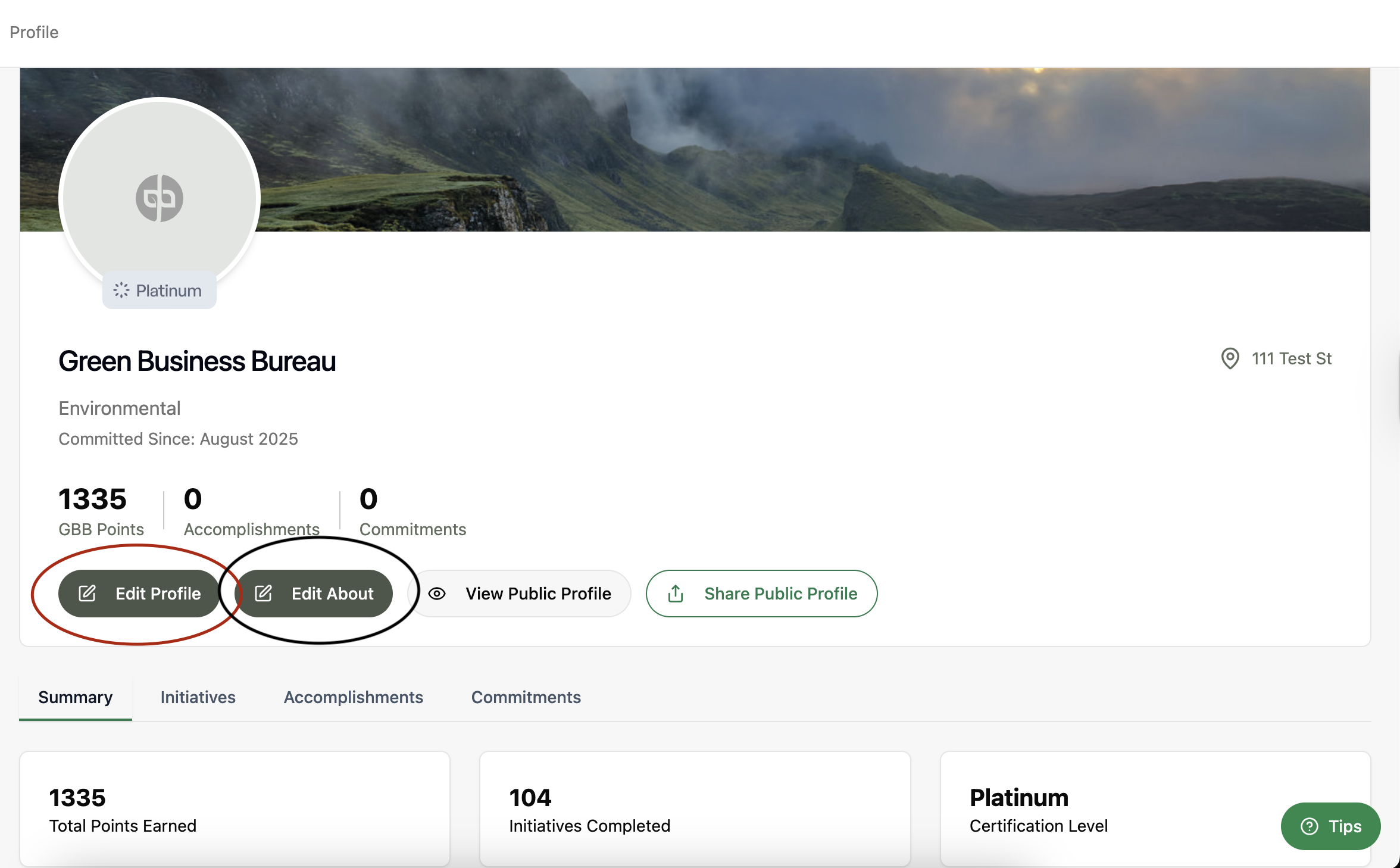
- Click the Edit About button to edit information about your organization as a whole. This can be as descriptive as you'd like. Use it as your opportunity to write your organization's sustainability story.
- Click the Publish button to save and share your information on your profile.