![GBB_Horizontal_Eco_Light.png]](https://support.greenbusinessbenchmark.com/hs-fs/hubfs/GBB_Horizontal_Eco_Light.png?height=40&name=GBB_Horizontal_Eco_Light.png)
As you establish your sustainability program, you will start reaching significant achievements you want to share publicly. These can supplement your completed initiatives on your public profile, either by giving in-app initiatives more context or showcasing accomplishments unique to your organization.
Think of this as your opportunity to describe what your company has become since you have undertaken your sustainability journey. This could be anything from having a line of completely zero-waste products to the culture that you have built with increased employee engagement and retention.
You can include any accomplishments that are important to your organization and showcase how you are achieving your sustainability goals. Some customers use the accomplishments section to manage organizational milestones. They will set goals and publish them here once they’ve achieved them. This can also serve as a way to monitor and compare across multiple locations and see what unique strategies they have employed to meet goals.
Follow these steps to add milestones to display on your public profile:
- Click on Milestones in the left navigation menu
- Click the New Milestone button in the right hand corner

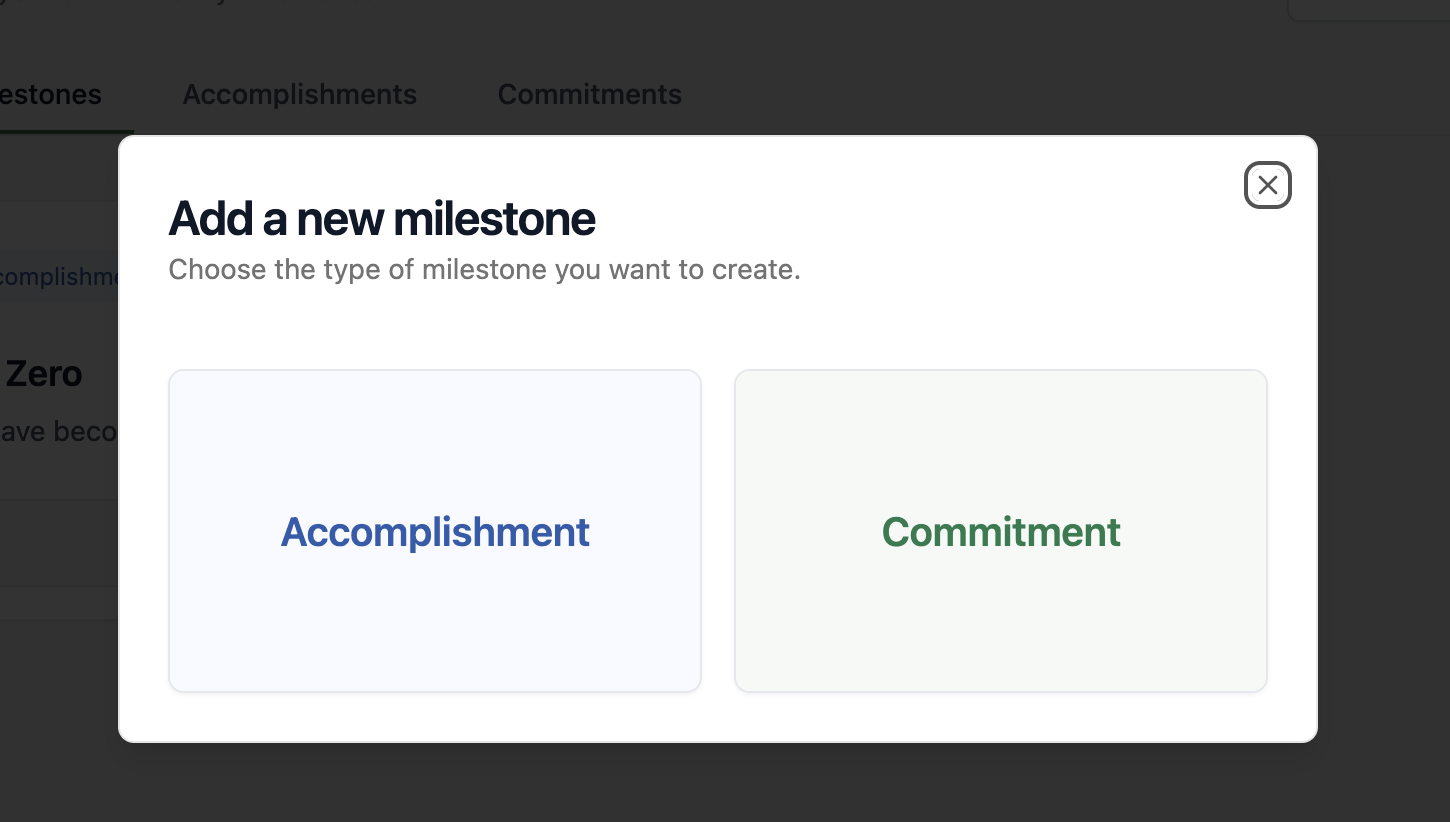
- Select the type of milestone you'd like to add
- Fill out the required information, including images, title, and description
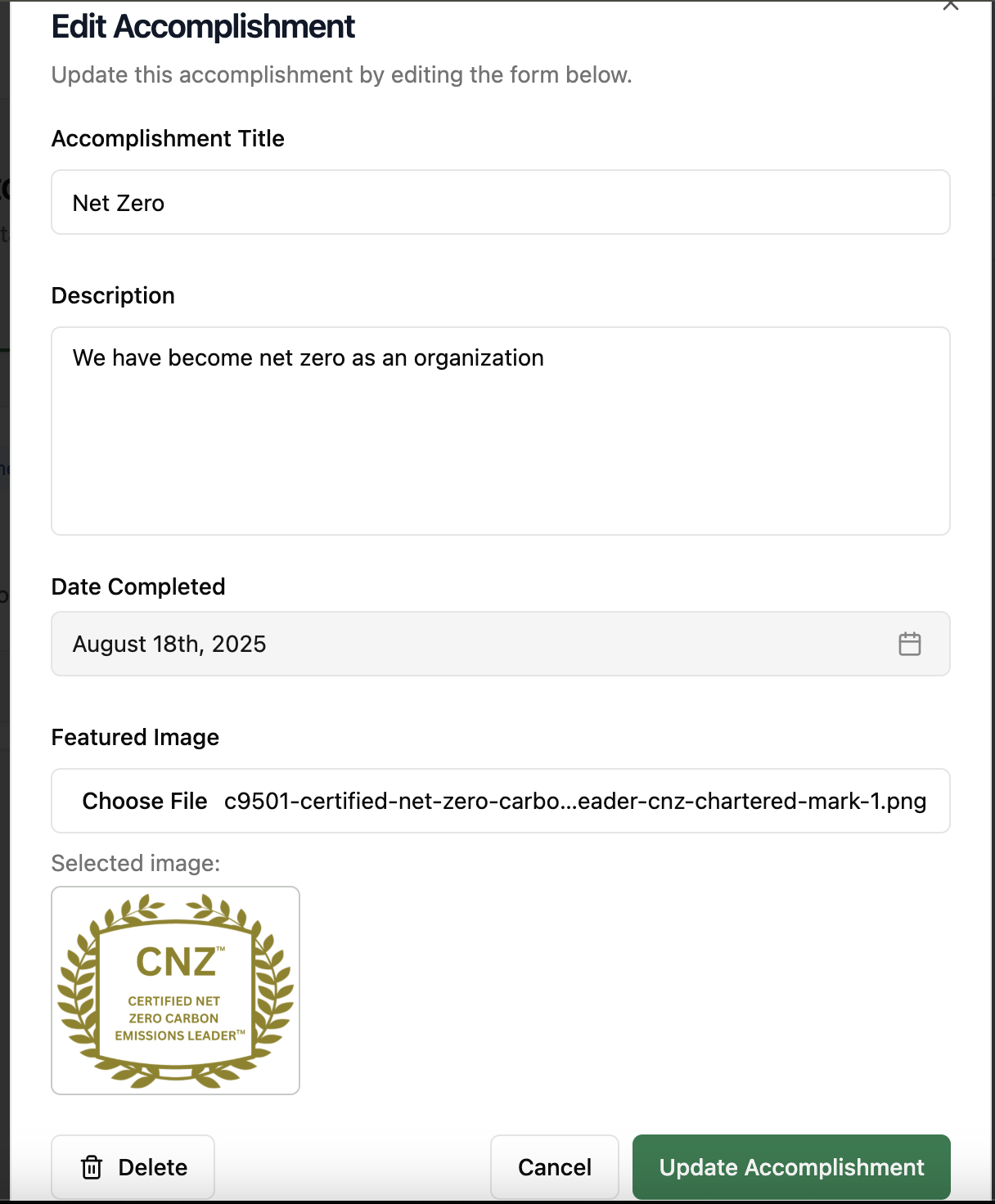
- Once you’re done writing, press the Publish button, and it will show up on your profile.